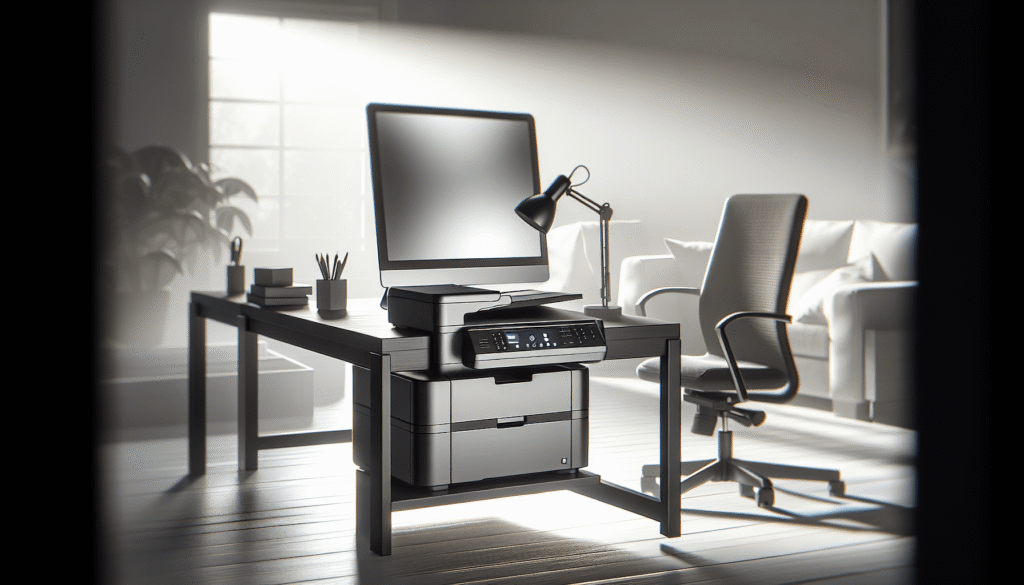
Most small offices don’t need a printer that does everything. They need one that does the dull, important things well: print the contract, scan the receipts, copy the ID, and, yes, occasionally send a fax to the one client who still insists on it. That’s the job the Xerox B235DNI is built for. It’s a black-and-white laser all-in-one that prints, scans, copies and faxes, runs at up to 36 pages per minute, and connects over Wi-Fi without anyone needing to call IT.

Xerox B235DNI Wireless Black and White Laser All-in-One Printer | Black and White Print, Scan, Copy & Fax, simple app setup, 36 ppm performance, reliable wireless connectivity
A Printer for Small Offices and Home Workspaces
Xerox pitches the B235 at small teams and home offices, and the spec sheet backs that up. It isn’t trying to be a department copier. It’s a sensible machine designed to fit into tight spaces, for a desk or a shelf in a room where space is short and patience for printer trouble is even shorter.
Black and White, on Purpose
One thing to be clear about before anything else: the B235 prints in black and white only. It can scan in color, but everything it prints comes out in crisp monochrome. For invoices, forms, letters and shipping paperwork, that’s exactly what you want, because mono laser pages are quick and inexpensive to produce. If you need color handouts or photos, this isn’t the machine for you.
Setup Without Calling IT
Xerox made setup refreshingly unfussy. The B235 comes with Xerox Smart Start software to walk you through installation, and its built-in Wi-Fi means you can have it on your network and printing straight out of the box, with no local IT support required. For a two-person office where “IT” is whoever is least busy that afternoon, that matters more than most of the numbers on the box.
Performance Where It Counts
Up to 36 Pages per Minute
At up to 36 pages per minute, the B235 finishes a 20-page report in well under a minute. Automatic two-sided printing works on both letter and legal paper, which saves paper and keeps thick documents from turning into doorstops. Print resolution is 600 x 600 dpi, and there’s an enhanced 1200 Image Quality setting for when text and fine lines need to look their best.
What’s Under the Hood
Inside is a 1 GHz dual-core processor with 512 MB of memory, enough to keep a queue of everyday jobs from a small team moving. Xerox rates it for a monthly print volume of up to 2,500 pages. That’s plenty for an office printing invoices, contracts and the odd long report, but if your team regularly prints more than that, you’ll want to look at a bigger machine.

Scanning, Copying and Faxing
A 50-Sheet Document Feeder
The 50-sheet automatic document feeder is where the B235 earns its all-in-one label. Drop in a stack of pages and let it work through them while you get on with something else, or lift the lid and use the flatbed for books, passports and anything too delicate to feed. Scans can be in color or black and white, and copies come out at up to 600 x 600 dpi.
Fax, for the Clients Who Still Insist
Fax is what the B235 adds over its B225 sibling, which prints, scans and copies but doesn’t fax. It may feel old-fashioned, yet plenty of businesses still trade signed forms that way, and having it built into the office printer beats keeping a separate machine in the corner. Like any traditional fax, it needs a phone line to connect.
Convenience and Connectivity
Printing from Phones, Tablets and Chromebooks
The B235 supports Apple AirPrint, Mopria Print Service and Chromebook printing, so iPhones, Android phones, tablets, laptops and Chromebooks can all print without hunting for drivers or cables. Wi-Fi Direct adds one more option: a phone can connect straight to the printer, which is handy for visitors you’d rather not give your office Wi-Fi password to.
Wired When You Want It
If you’d rather keep things on a cable, the B235 also has Ethernet and USB 2.0. A shared office printer on Ethernet tends to be the least dramatic setup of all, and it’s good to have the choice.

Smarter Scanning and Security
Xerox Print & Scan Experience
Xerox’s software takes care of the fiddly parts of everyday document work. The Xerox Print & Scan Experience app can automatically straighten crooked scans, crop images and handle receipt scanning, which is a small mercy at the end of the month when expense reports are due. The Xerox print drivers add practical options too: several pages per sheet, booklet layouts, watermarks, a draft mode, Earth Smart settings, saved settings for jobs you run often, and tray and toner status at a glance.
Optional Xerox Workflow Central
For offices that want more, Xerox offers Workflow Central as an option. It can translate documents into other languages, turn handwritten notes into shareable text, create audio files from printed pages so you can listen on the go, automatically redact sensitive content, and convert scans into Microsoft Office files.
Security Built In
Xerox also builds in security features designed to safeguard access to the printer and protect sensitive documents and data. The listing doesn’t spell out exactly which protections are included, so if you handle regulated information, it’s worth checking Xerox’s full specifications before you buy.
What to Know Before You Buy
What’s in the Box
The B235 ships with a pre-installed starter toner cartridge rated for about 700 pages, a software and documentation CD with the drivers and user manual, an installation guide, a quick use guide and a power cord. That starter cartridge won’t last long in a busy office, so it’s worth ordering a full-size replacement at the same time as the printer.
Paper Handling
The standard tray holds 250 sheets and takes letter and legal paper up to 8.5 x 14 inches. It’s a sensible size for a small office, though a team that prints a lot will want a spare ream within reach.
Warranty and Recycling
The printer comes with a one-year warranty, and Xerox’s Green World Alliance program offers hassle-free recycling for used toner cartridges.

The Xerox B235DNI at a Glance
| Feature | Details |
|---|---|
| Functions | Print, scan, copy and fax |
| Print Speed | Up to 36 pages per minute, black and white |
| Print Resolution | 600 x 600 dpi, 1200 Image Quality |
| Two-Sided Printing | Automatic, letter and legal |
| Document Feeder | 50 sheets |
| Paper Capacity | 250-sheet tray, up to 8.5 x 14 inches |
| Processor and Memory | 1 GHz dual-core, 512 MB |
| Monthly Print Volume | Up to 2,500 pages |
| Connectivity | Wi-Fi, Wi-Fi Direct, Ethernet, USB 2.0 |
| Mobile Printing | Apple AirPrint, Mopria, Chromebook |
| Software | Xerox Smart Start, Print & Scan Experience; optional Workflow Central |
| In the Box | Starter cartridge (about 700 pages), software CD, guides, power cord |
| Warranty | 1 year |
Final Thoughts
The Xerox B235DNI isn’t flashy, and that’s rather the point. It prints black-and-white pages quickly, scans and copies from a proper 50-sheet feeder, sends the occasional fax, and connects to just about any device in the office without a support ticket. Its software quietly handles the small annoyances, like crooked scans and piles of receipts, that eat into a working day.
It isn’t for everyone. If you need color prints, or your team goes through more than 2,500 pages a month, look elsewhere. And if you only ever print, the single-function Xerox B230 is the simpler choice, which we cover in our Xerox B230 review. But for a small office or home business that wants one dependable machine for all its paperwork, the B235 deserves a place on your shortlist.
Disclosure: As an Amazon Associate, I earn from qualifying purchases.