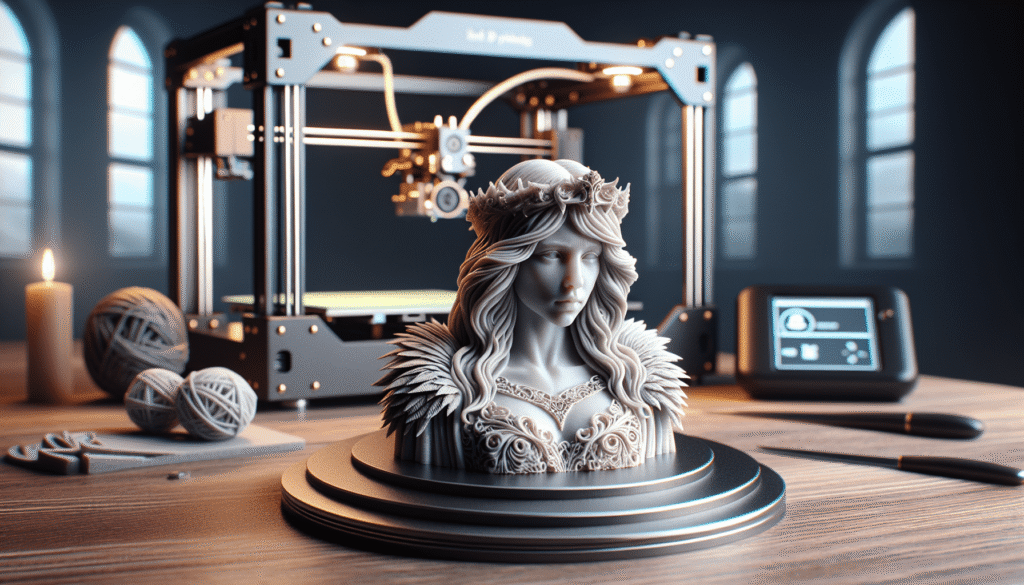
Can you imagine having a machine in your classroom that can bring digital models to life? That’s exactly what the MakerBot Sketch Basic 3D printer offers: an easy-to-use, tinker-free printer built for learning, sold here on its own so you can pair it with the materials you actually need.
The joy of turning digital dreams into tangible reality cannot be overstated. It’s like magic, but with more steps and less likelihood of wearing a wizard’s hat. Allow me to take you through the quiet charm and practical design of this capable little machine.

MakerBot Sketch 3D Printer (Basic - Printer Only) (Metal/Plastic)
Unboxing the MakerBot Sketch 3D Printer
There’s a peculiar thrill in unboxing a new gadget, akin to opening a present you wrapped yourself. This listing is the Basic package, which means the box holds the MakerBot Sketch printer itself and nothing else: no filament and no training. It’s a clean starting point for schools and makers who already have supplies, or who would rather choose their own.
What’s Included
In the box:
| Item | Description |
|---|---|
| MakerBot Sketch 3D Printer | A black, enclosed metal and plastic 3D printer, model 900-0053A |
| Filament | Not included: add PLA for Sketch or TOUGH for Sketch |
| Training | Not included |
The practical takeaway is simple: order a spool or two of PLA for Sketch alongside the printer, so the first print isn’t waiting on a second delivery. Think of it as buying a camera body and choosing your own lens.
From Ideas to Physical Form
The process of turning digital designs into physical objects is nothing short of extraordinary. The real charm of the Sketch is that it pairs the printer with cloud-based 3D printing software, designed with the classroom in mind. It’s like being given a magic wand along with an instruction manual written by a sensible librarian.
Easy Cloud-Based Software
Because the software lives in the cloud, getting a design to the printer doesn’t hinge on one particular computer. Teachers can guide students step by step, or keep the fun for themselves, no judgment here. It makes classroom printing almost as easy as eating a lunch prepared by someone else.

A Printer Designed for Environments Filled with Curious Minds
Placing a 3D printer in a classroom is akin to inviting an alien who can build things out of thin air. It sparks curiosity, and curiosity tends to lead to little hands wanting to touch everything. Fortunately, the MakerBot Sketch is enclosed and equipped with a particulate filter, which brings both safety and peace of mind.
Safety and Practicality
Keeping young fingers away from hot, moving parts while filtering the air around the printer is a genuine relief for any teacher. The enclosed design acts like a vigilant babysitter, keeping curious hands at a safe distance while still encouraging open-ended exploration.
Functional Features that Define the MakerBot Experience
The details of a good book are what make the story unforgettable, and the features of the MakerBot Sketch are what make it so dependable day to day. MakerBot describes it as reliable and tinker-free, which is exactly what a busy classroom needs.

Replaceable Extruder
The Sketch uses a replaceable extruder with a 0.4 mm nozzle, tuned for PLA and TOUGH printing. It’s the feather in the printer’s cap: if an extruder ever needs attention, it can be swapped rather than turning into a long repair job.
Flexible Heated Build Plate
A heated build plate helps prints stay put while they’re being made, and because the plate is flexible, finished pieces pop off with a gentle bend. Removing a print becomes as easy as flipping pancakes, minus the risk of a floor-dropped flapjack.
600+ Lesson Plans: A Head Start for Teachers
A printer is only as useful as the ideas you feed it, and this is where the Sketch really shines for schools. It comes backed by more than 600 certified lesson plans from educators all across the country, so a teacher can move from unboxing to a structured lesson without building a curriculum from scratch.

Hands-On Exploration
For anyone who learns by poking at things, a replaceable extruder and approachable software mean that mistakes become lessons rather than disasters. It’s like being given permission to mess up, with a clear path back to a successful print.
Materials: PLA for Sketch and TOUGH for Sketch
The Sketch is designed around two MakerBot materials, PLA for Sketch and TOUGH for Sketch. Since neither comes in this box, it’s worth deciding up front which one fits your projects.
Choosing Your Filament
PLA for Sketch is the natural everyday choice for classroom models, prototypes and creative projects. TOUGH for Sketch is the one to reach for when a part needs to stand up to more handling and stress. Starting with PLA and adding TOUGH as projects grow more ambitious is a sensible way to build a supply shelf.
Final Thoughts on MakerBot Sketch 3D Printer
The MakerBot Sketch Basic offers the best of both worlds: a tool for creativity and a testament to practicality. With cloud-based software, a flexible heated build plate, an enclosed design and hundreds of ready-made lesson plans, it’s ideal for educational environments that embrace the frontier of modern learning. Just remember that this package is the printer alone, so budget for filament from day one.
Owning a MakerBot Sketch is like having a storyteller that knows how to translate fantastical tales into tactile experiences. It’s the black box that doesn’t just keep secrets but shares dreams, one layer at a time. For imaginations as vast as the ocean or as small as a dewdrop on a leaf, this printer promises to be a reliable partner on the journey from dreamscape to desktop.
Disclosure: As an Amazon Associate, I earn from qualifying purchases.