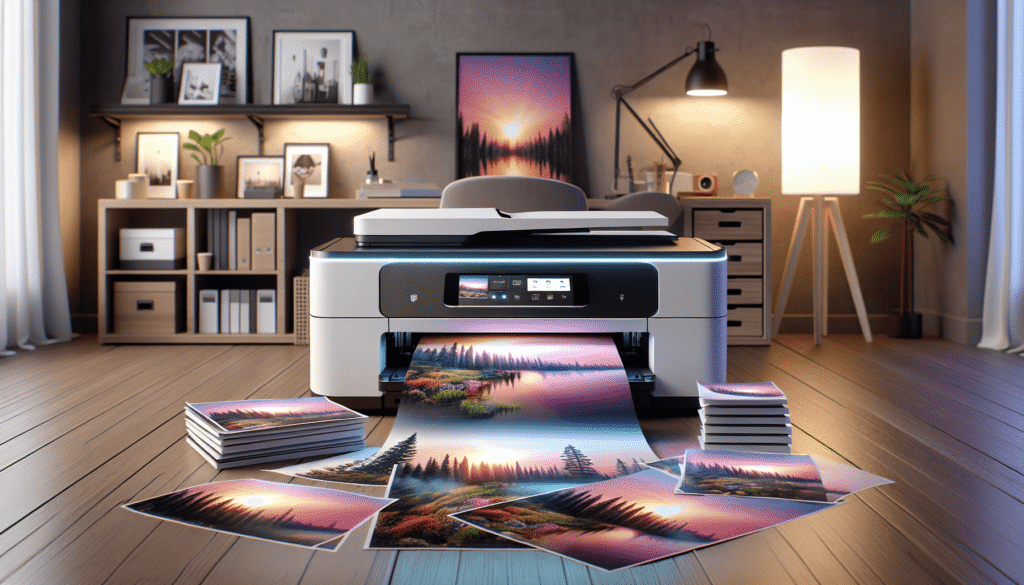
Have you ever wondered if there’s a single piece of office equipment that can handle all your printing, scanning, and business needs while looking sleek on your desk? I found myself at that crossroads, standing in front of endless options, until one device caught my eye: the Brother MFC-L8730CDW Business Color Laser All-in-One Printer. It prints, scans and copies at up to 33 pages per minute, handles two-sided jobs automatically and wraps everything in what Brother calls triple layer security. Let me take you through why this machine might just be the answer to all your office flutter.

Brother MFC-L8730CDW Business Color Laser All-in-One Printer, Duplex Print, Scan, Copy, Wireless, Advanced Security
Professional Performance: A Workplace Dynamo
Brother describes the MFC-L8730CDW as an updated design built for professional results, with vibrant color and sharp black printing. Print and copy speeds reach up to 33 pages per minute in both color and black, the first page arrives in about 9.9 seconds, and automatic two-sided printing is built in. It also handles plain paper, card stock, envelopes, labels and glossy photo paper up to legal size, at up to 2400 x 600 dpi.
Imagine the times you’ve stood, tapping your foot impatiently, waiting for that 50-page report to finish printing. At 33 pages per minute, that wait shrinks to a couple of minutes. Better still, Brother says this model is 25% smaller than the one it replaces, so you get the speed without surrendering half the office to a printer.
Advanced Security: Because Your Secrets Deserve It
In an age where data breaches are as frequent as office coffee breaks, the need for advanced security can’t be overstated. Brother’s triple layer security is designed to help keep the device itself secure, protect documents in transit to and from the printer, and safeguard your network.
There’s also an integrated NFC card reader for easy badge authentication, so your team can tap an ID card to release jobs or sign in. It’s like having your very own digital bouncer, watching over your documents while you focus on your work. Knowing confidential pages aren’t sitting in the output tray for anyone to read adds a comforting layer of peace to a bustling office.
Breakdown of Security Features
| Feature | Description |
|---|---|
| Device Security | Helps keep the printer itself secure. |
| Document Security | Protects documents in transit to and from the printer. |
| Network Security | Helps safeguard the network the printer sits on. |
| NFC Card Reader | Built-in badge authentication for quick, secure access. |
Efficient Scanning: A Digital Whirlwind
Scanning documents can sometimes feel like you’re trapped in an endless cycle of frustration. The MFC-L8730CDW tackles that with high-speed, two-sided scanning of up to 104 images per minute (ipm), fed by an 80-page auto document feeder. For bound pages or awkward originals, there’s a legal-size scanner glass too.

From the touchscreen, you can scan straight to the cloud, email, SharePoint and more, with a scan preview so you can check the page before it goes anywhere. Brother also supports creating searchable and editable Microsoft Office documents, which means that stack of old contracts can become something you can actually search, rather than a folder of pictures of paper.
Scanning Features at a Glance
| Feature | Description |
|---|---|
| Speed | Up to 104 ipm, two-sided. |
| Auto Document Feeder | 80-page capacity for hands-off scanning. |
| Scanner Glass | Legal size, for books and odd originals. |
| Destinations | Cloud, email, SharePoint and more, straight from the touchscreen. |
| Editable Output | Searchable and editable Microsoft Office documents. |
Cost-Effective Printing: Saving More Than Just Pennies
Now, let’s talk about the dollars and cents. The true cost of a printer isn’t just the initial purchase; it’s those little nuggets of joy in the form of toner cartridges that start to add up. Brother gets you off to a strong start by including Brother Genuine toner in the box: a 3,000-page black cartridge and 1,800-page color cartridges.

When those run dry, the printer takes TN635 standard yield or TN635XL high yield cartridges. The high yield versions print up to 5,500 pages in black and 4,500 pages in color, so busy offices can print cost-efficiently and swap cartridges less often. I’d rather not measure my life in printed pages, but when fewer replacements keep a budget in check, I’m happy to make an exception.
Toner at a Glance
| Cartridge | Page Yield | Notes |
|---|---|---|
| Included black | Up to 3,000 pages | Brother Genuine, in the box |
| Included color | Up to 1,800 pages | Brother Genuine, in the box |
| High yield black (TN635XL) | Up to 5,500 pages | Fewer replacements |
| High yield color (TN635XL) | Up to 4,500 pages | Lower running costs |
Versatile Connectivity: A Welcome Flexibility
One of the most frustrating parts about any office setup is trying to connect various devices to various networks, each one somehow more elusive than a perfect cloudless day. Here’s where the MFC-L8730CDW makes life easier.

It comes with built-in dual-band wireless networking (2.4 GHz and 5 GHz), Gigabit Ethernet and USB, so it can slot into your existing office network however it’s set up. It works with laptops, PCs, smartphones and tablets. It’s like adding a new band member who, without rehearsals, knows exactly what your group requires.
User-Friendly Interface: A Touch Away
Handling a sophisticated piece of technology shouldn’t require a manual reading reminiscent of deciphering hieroglyphics. The MFC-L8730CDW uses a 3.5-inch color touchscreen for easy menu navigation and scan previews, and you can set up to 48 custom shortcuts for the tasks you do most often.
That shortcut count is the quiet hero here. Picture one tap for “scan the signed contract to the shared folder” and another for “copy ten double-sided handouts,” and suddenly the least tech-savvy person in the office is running the printer like a pro.
Eco-Friendly Touches
For offices keeping an eye on their footprint, Brother notes that the MFC-L8730CDW is EPEAT Silver rated and ENERGY STAR certified. It also ships in packaging free of expanded polystyrene (EPS), and the printer includes 12% post-consumer recycled material. Small touches, but they add up.
Final Thoughts: The Office Companion Everyone Needs
The Brother MFC-L8730CDW Business Color Laser All-in-One Printer brings together the things a busy office actually cares about: 33-page-per-minute color printing, fast two-sided scanning with an 80-page feeder, triple layer security with badge authentication and toner that goes the distance. Add dual-band wireless, Gigabit Ethernet and a touchscreen with 48 shortcuts, and it’s the kind of office ally that quietly keeps the workload moving, one printed page at a time.
If you’re like me and would rather spend your day on the work than on the printer, this one deserves a spot on your shortlist. So, have you been dreaming of a printer that can do more than just print? This might just be the bright spot you’ve been searching for in the chaotic world of office equipment.
Disclosure: As an Amazon Associate, I earn from qualifying purchases.